In order to change from the list view to the detailed view, it is sufficient to double-click on any data record! The detail view stores all information of a data file, while the list view offers only a rough overview. With the icons within the data selection area (left), the individual detail areas (right) for example, the address data, financial data, etc. are clearly divided. Simply click and the detail range changes respectively. In the different modules you will encounter completely different detail views with completely different detail areas. Among them are entry forms, text processing, table views, calculation views and product views. With the help of the data selection area, you can select the different detail views of the respective data record. The detail area is essentially responsible for the data or data output.
Entry forms
Entry forms assist in the input of data. In such a form, you can find popup fields, protected and un-protected data input fields as well as clickable selection fields and various switch buttons that facilitate the input of data for you.
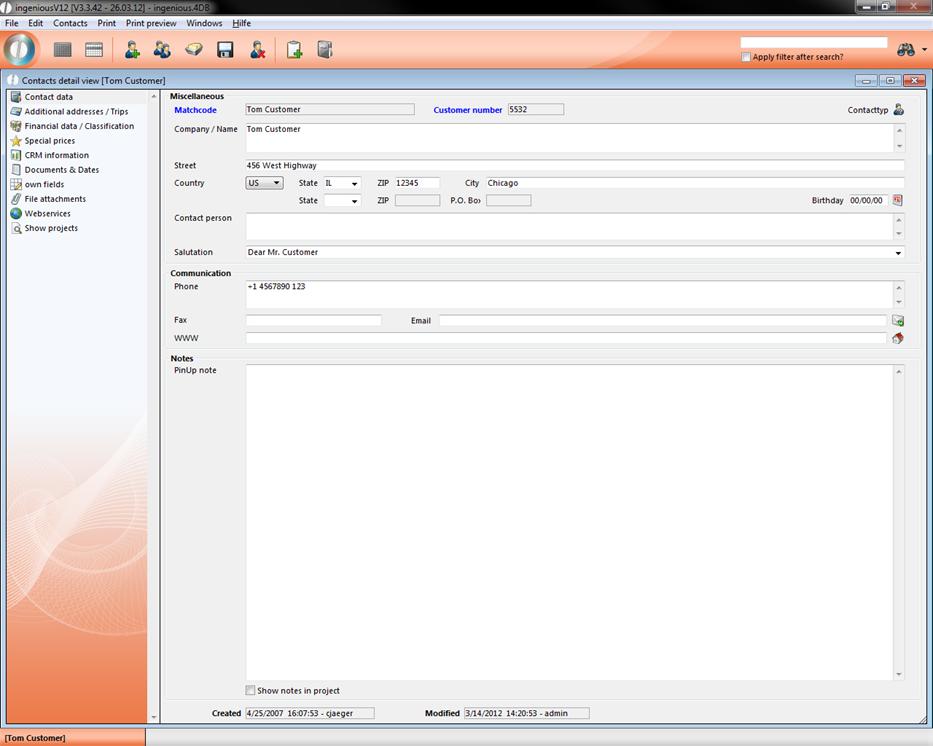
Entry form in the “Contacts” module
Table view
Tables provide an overview. For this reason, you will also find tables for the fast creation of invoices in the detailed view.
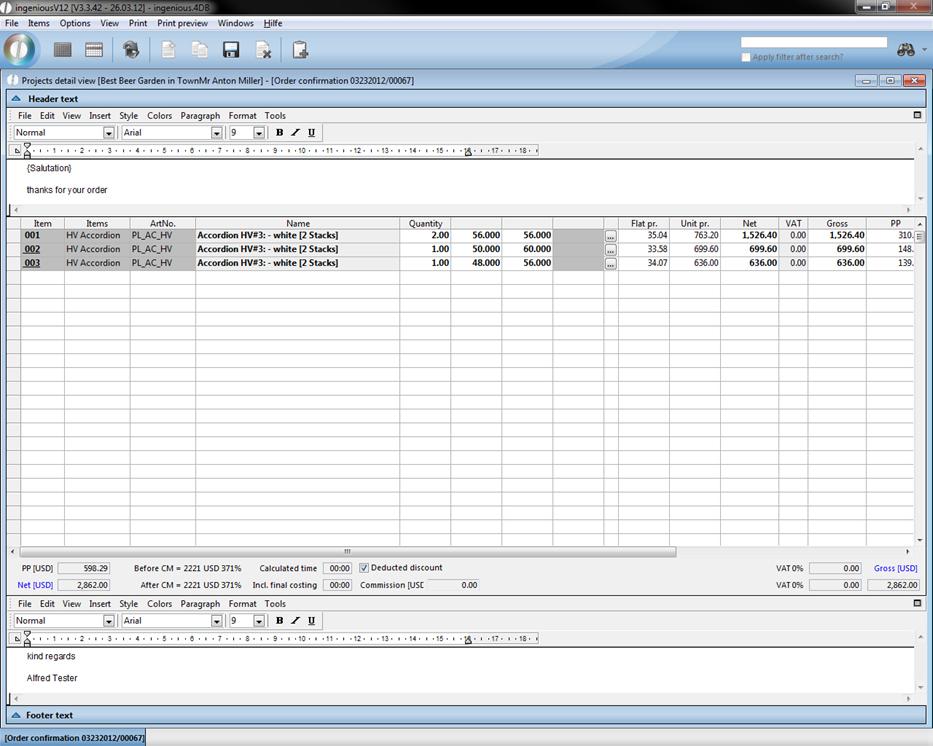
Table view in the "Workflow" module
Price tables
Calculation tables, on the other hand, provide the automatic calculation of products and product prices.
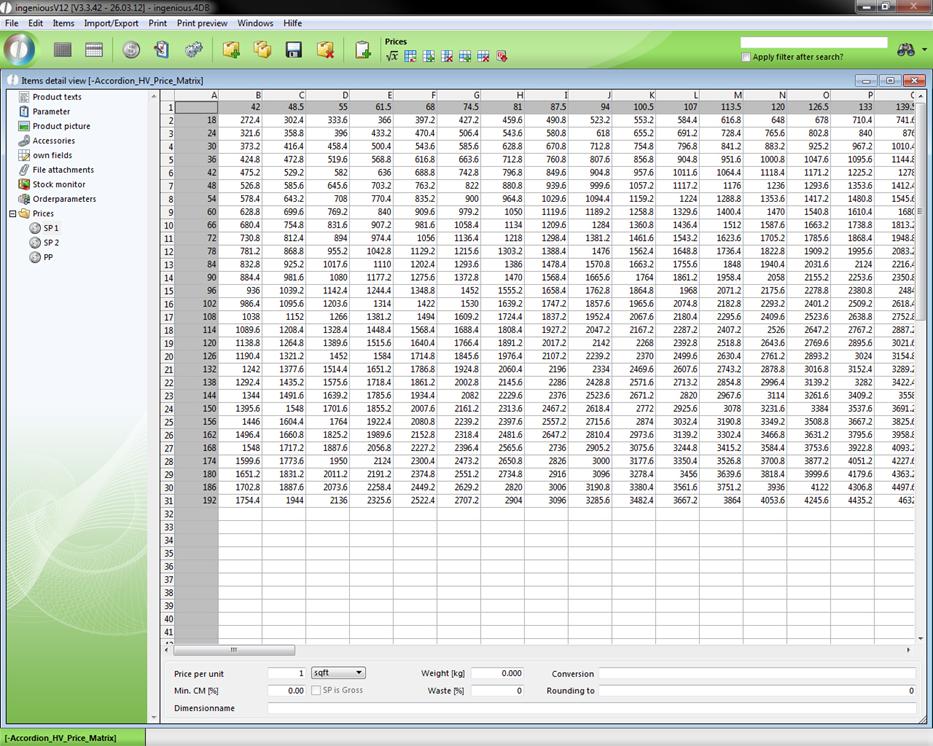
Calculation table in the "Product" module
Text processing
In Ingenious.V12, integrated text processing provides the fast and uncomplicated creation of texts and a print preview.
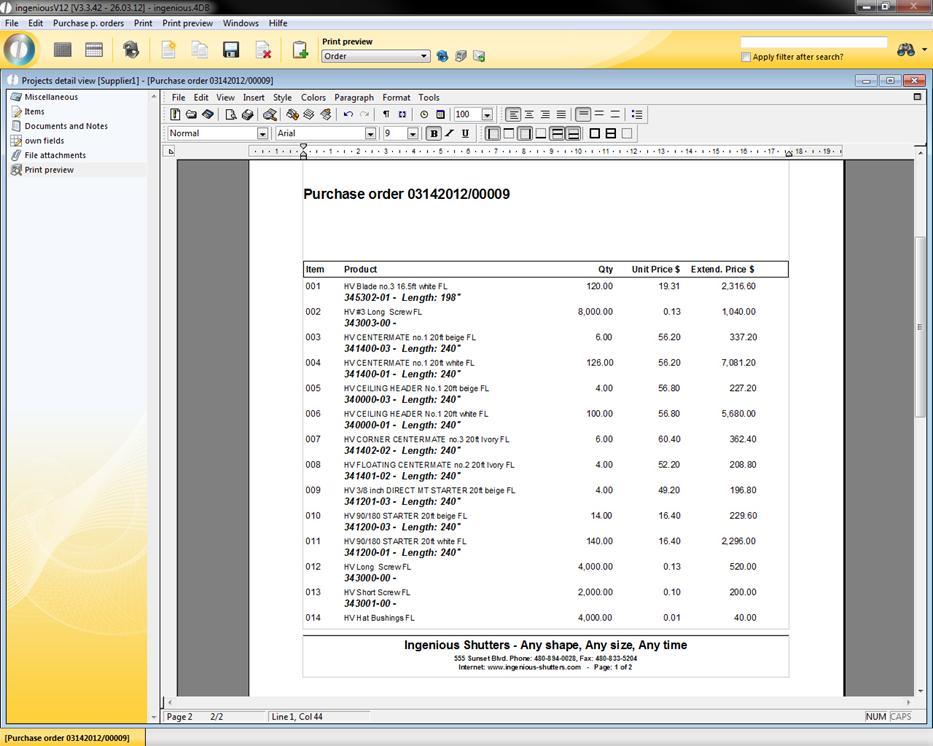
Text processing in the “Purchasing” module
Image views
Ingenious.V12 offers you the possibility to assign a corresponding image to the product.
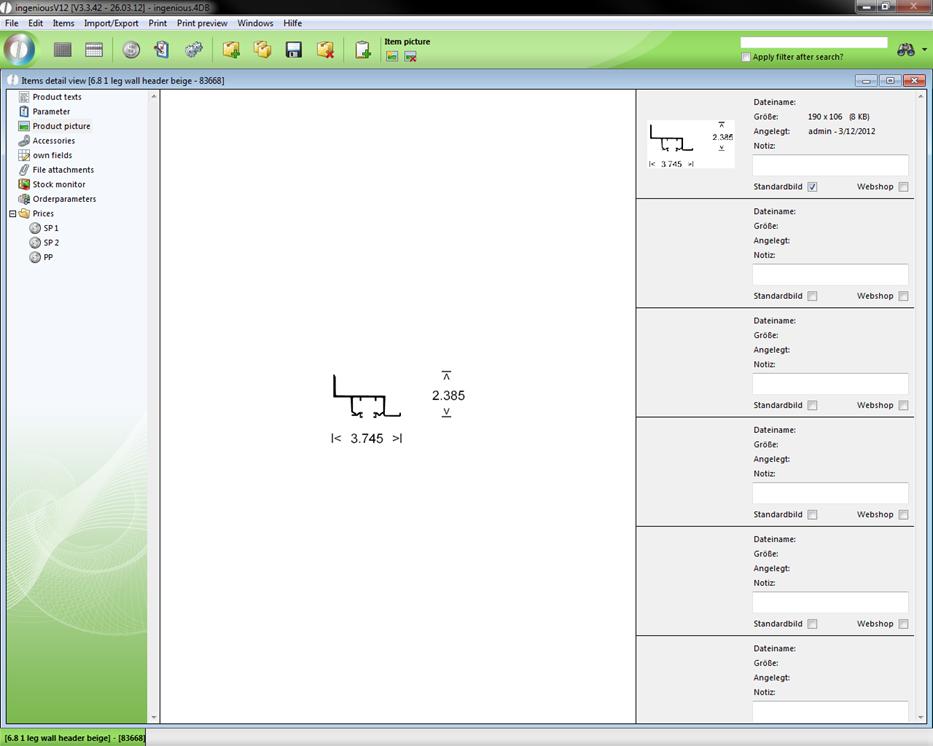
Product picture view in the "Items" module
Data selection area
There are four different data selection areas: one for contacts, one for products, one for the workflow modules and one for purchasing. In the "Contacts" module, you will find the following data selection area in the detail view:
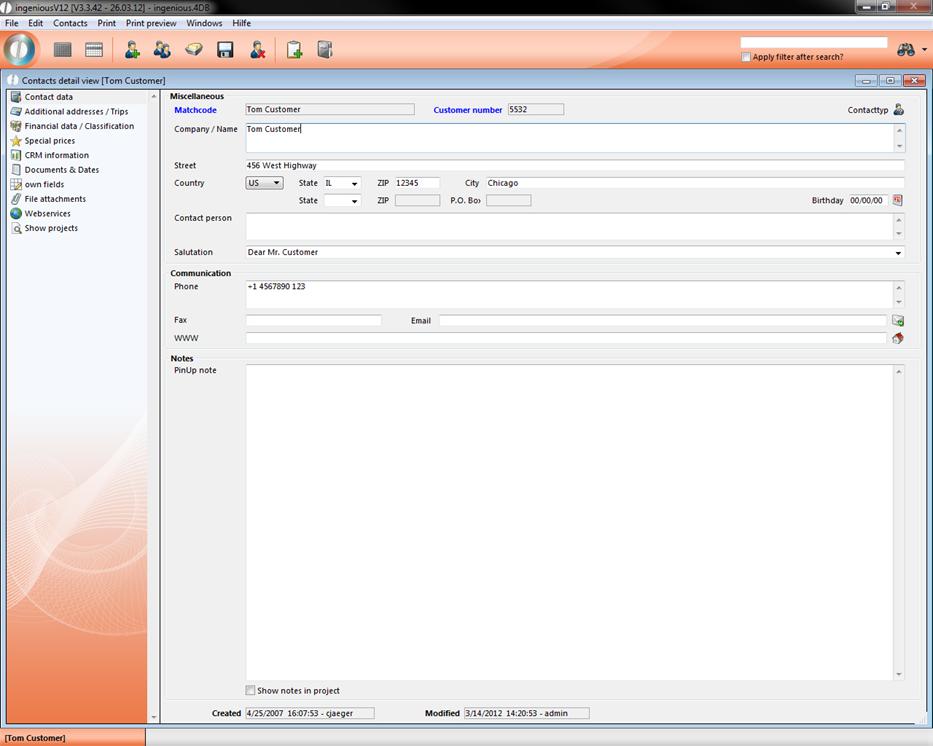
Detail view in the “Contacts” module
Within the "Contact Data" area, you will find "Name", "Address", “Telephone Number", "Fax and "Contact Type" for each contact, for example. Within the section "Additional Addresses/Routes", additional address and routes can be added to the contact. The area "Financial Data/Classification" contains all pertinent information regarding invoices, payment method, reminders and bank account information. Under "Special Prices" you can assign special prices to each contact. Within the "CRM Information" area, quotes and orders, sales, invoices and credits as well as client reminder letters, among other things, are represented in either a monthly or annual overview. In the column "Documents & Notes" you can create and file different documents yourself. This has the advantage that you can directly tie documents to your contacts, and therefore have an overview of the entire communication with the contact. Under the "Individual Fields" area, you have the possibility of making individual comments about each contact. In the “File Creation” area, important external documents can be assigned to the individual contacts, centrally managed and stored. In the “Variant Column” templates, it is possible to save specific contact-specific measurement data of a product as a template (Template/ Setup) under one client. By clicking on “Show Projects”, the module production window opens with collected contact projects.
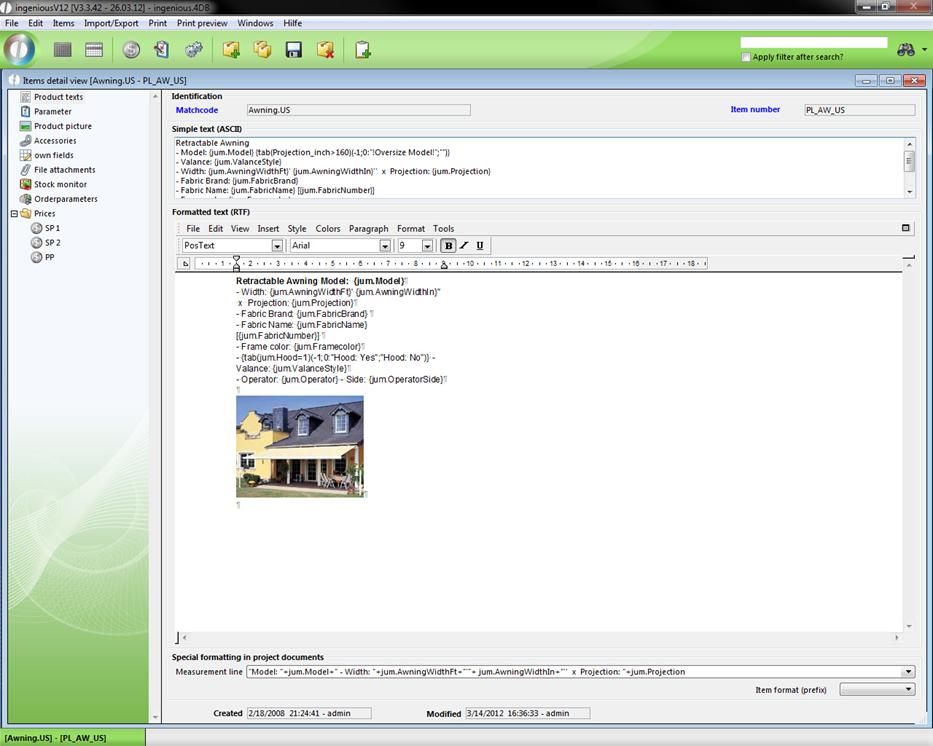
Within the data selection area of the items module, you will find product texts in the area "Product Texts." In the "Parameter" area, you can store financial accounting and product classification details. In the "own Fields" area, you have the possibility to make individual comments about a product under "File attachments" where you can organize, centrally manage and save important external documents of individual products. With the "Stock Monitor" and "Orderparameters" areas, you have an overview of the current status of your inventory and you can also leave the automatic inventory management to Ingenious.V12. In the file "Prices", you can secure the purchase price (PP), the first (SP 1) and the second purchase price (SP 2).
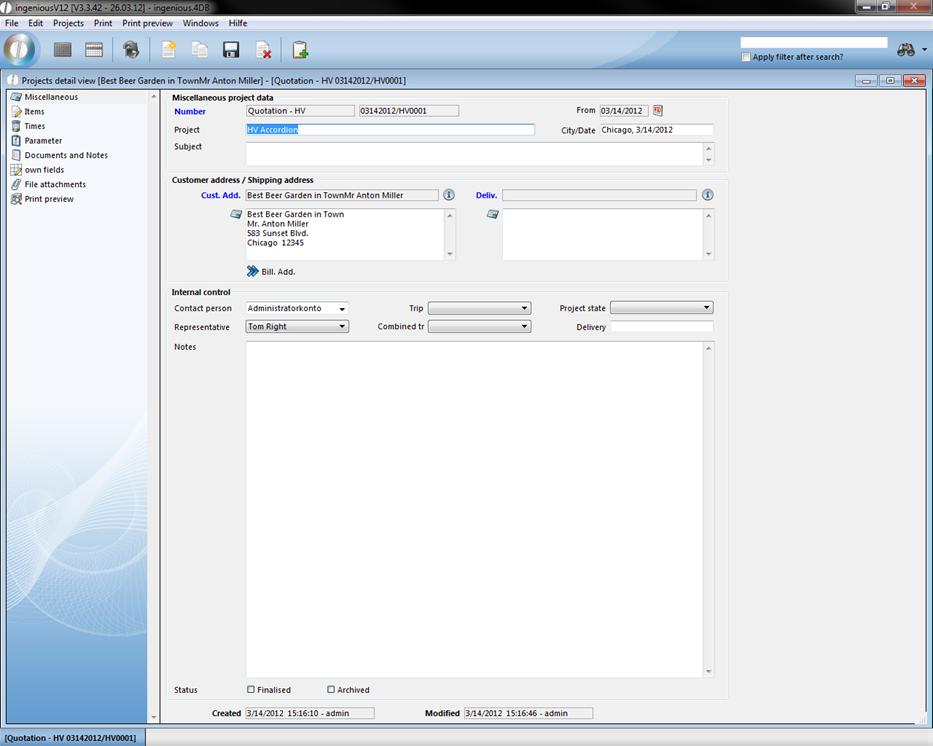
In the selling, production, logistics and invoice modules, you will find the following data selection range. This consists of the “Miscellaneous” field in which all general project data, invoice and delivery addresses, internal controls and the status of projects are contained. When you select the “Items” area, then a preset table and header and footer are available for the easy creation of quotes or cost estimates. With the “Times” area, you can accurately plan the manufacture or the installation of a product. In the “Parameter” area, all documents and anticipated payments that have accrued in a project are available. Aside from that, this area consists of pricing for the respective project. In the “own Fields” area, you have the possibility to make individual comments regarding a project, and under the “File attachment” area, important external documents of individual projects can be filed, centrally managed and saved. The “Print Preview” area consists of the Ingenious.V12 text processing for the fast creation of documents.
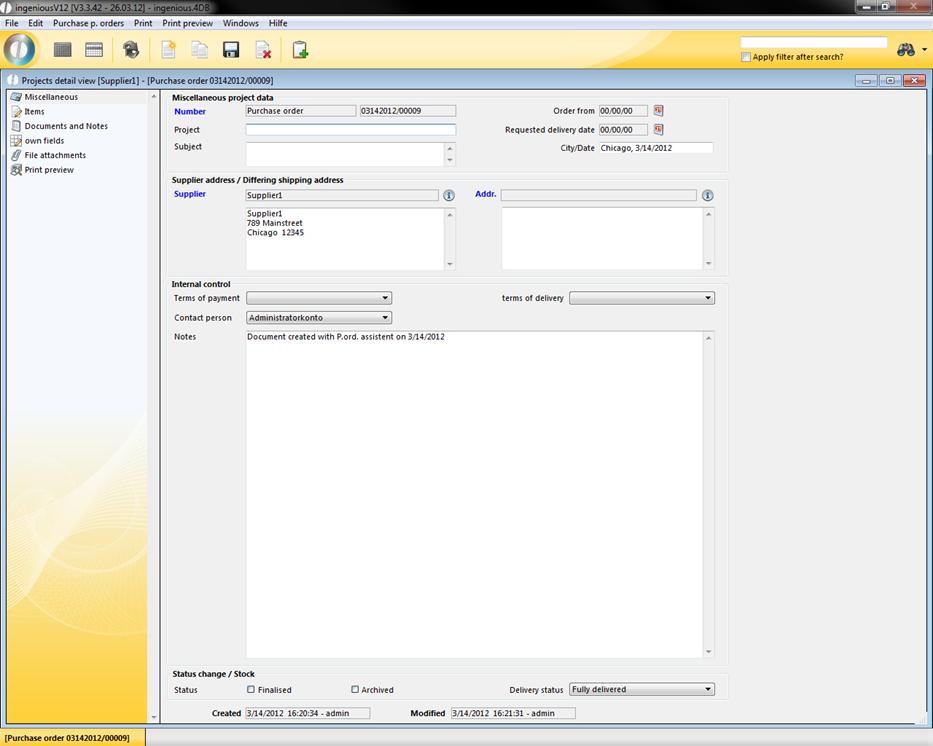
The data selection range in the “Purchasing” module, consists again of other areas. The “Miscellaneous” area displays the general project data, invoice and delivery addresses, internal controls and the status of projects. In the “Items” area, you will find a preset table and header and footer for the easy creation of an order. In the “Individual Fields” area, you have the possibility to make individual comments about a purchase order, and in the “File attachment” area, important external documents of individual orders can be assigned, centrally managed and filed. The “Print Preview” area also consists of Ingenious.V12 text processing.
Switch to the list view
In order to switch between the detail view to the list view, a right click of the mouse on the  button of the detail window is sufficient. Afterwards you will be asked if you want to accept the data.
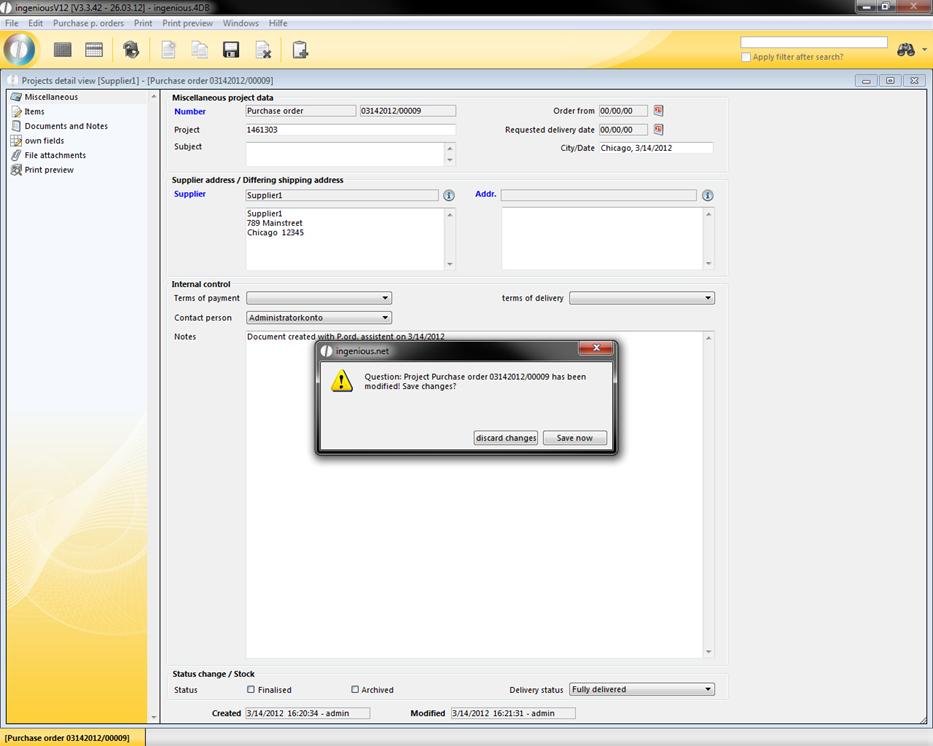
Confirmation Window Overview